演示
实现
画点素材:

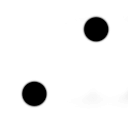
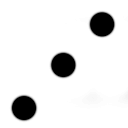

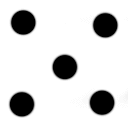
整一个 Unity2D 项目:
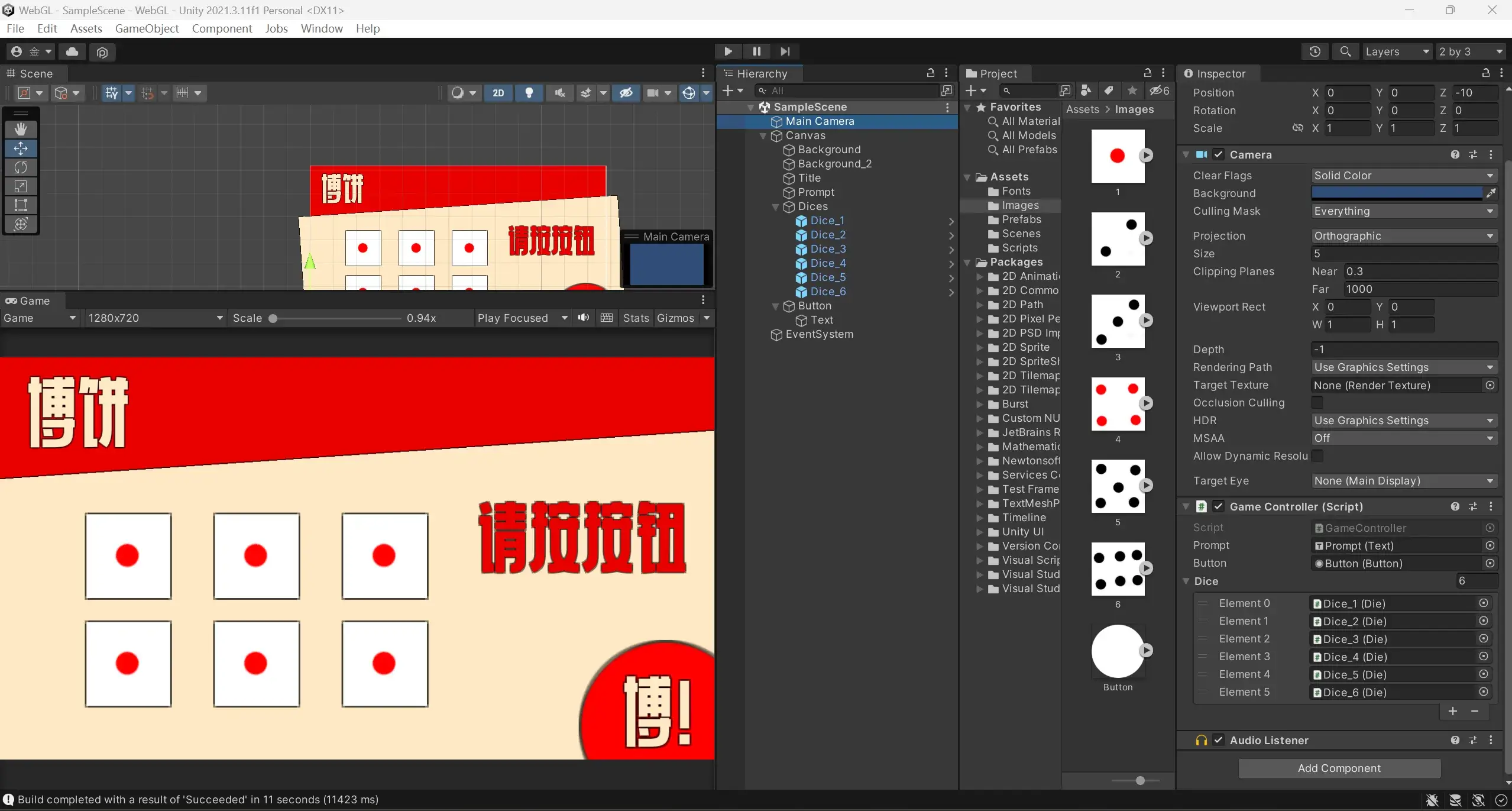
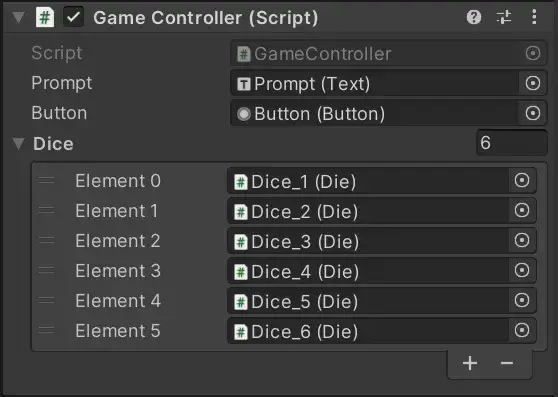
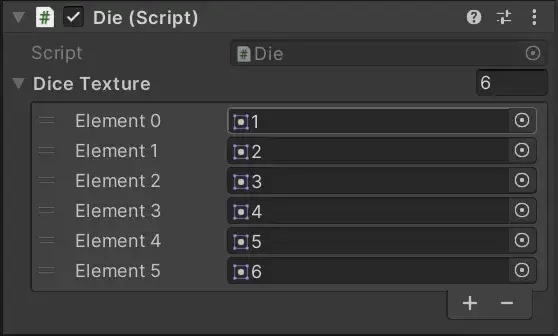
定义一个 Die(骰子)和 GameController 类,分别绑定在 Dice(预制体)和 Main Camera 上。写点代码:
{% tabs Class %}
using System;
using System.Collections;
using System.Collections.Generic;
using System.Linq;
using UnityEngine;
using UnityEngine.UI;
using Random = UnityEngine.Random;

public class GameController : MonoBehaviour
{
    public Text prompt;
    public Button button;
    private short[] diceRolls = new short[6];
    public Die[] dice = new Die[6];
    private int diceRolledCount = 0; // 已完成投掷的骰子数量
    // Start is called before the first frame update
    void Start()
    {
        button.onClick.AddListener(Roll);
        foreach (var d in dice)
        {
            d.OnDiceRolled += OnDiceRolled;  // 订阅投掷事件
        }
    }

    private void Update()
    {
    }

    public void Roll()
    {
        button.interactable = false;
        prompt.text = "请稍后...";
        for (int i = 0; i < 6; i++)
        {
            diceRolls[i] = (short)Random.Range(1, 7);
            dice[i].score = diceRolls[i];
        }
    }

    private void OnDiceRolled()
    {
        diceRolledCount++;

        // 检查所有骰子是否都已投掷完毕
        if (diceRolledCount == 6)
        {
            diceRolledCount = 0;
            button.interactable = true;
            prompt.text = GetBoBingResult();
        }
    }

    private string GetBoBingResult()
    {
        // 统计每个点数的出现次数
        var grouped = diceRolls.GroupBy(d => d).ToList();
        var sortedDice = diceRolls.OrderBy(d => d).ToArray(); // 排序后的骰子点数,用于判断顺子

        // 判断是否为“六抔红”(六个 4)
        if (diceRolls.All(d => d == 4))
        {
            return "六抔红";
        }

        // 判断是否为“六抔黑”(六个相同的数,且不为 4)
        if (grouped.Count == 1 && grouped[0].Key != 4)
        {
            return "六抔黑";
        }

        // 判断是否为“状元插金花”(四个 4 + 两个 1)
        if (grouped.Count == 2 && grouped.Any(g => g.Count() == 4 && g.Key == 4) && grouped.Any(g => g.Count() == 2 && g.Key == 1))
        {
            return "状元插金花!";
        }

        // 判断是否为“五子登科”(五个相同的数)
        if (grouped.Any(g => g.Count() == 5))
        {
            return "五子登科!";
        }

        // 判断是否为“状元”(四个 4 带其他两个任意数)
        if (grouped.Count == 2 && grouped.Any(g => g.Count() == 4 && g.Key == 4))
        {
            return "状元!";
        }

        // 判断是否为“对堂”(顺子,123456)
        if (sortedDice.SequenceEqual(new short[] { 1, 2, 3, 4, 5, 6 }))
        {
            return "对堂!";
        }

        // 判断是否为“四进”(四个相同的数,除了 4 以外)
        if (grouped.Count == 2 && grouped.Any(g => g.Count() == 4 && g.Key != 4))
        {
            return "四进!";
        }

        // 判断是否为“三红”(三个 4)
        if (grouped.Any(g => g.Count() == 3 && g.Key == 4))
        {
            return "三红!";
        }

        // 判断是否为“二举”(两个 4)
        if (grouped.Any(g => g.Count() == 2 && g.Key == 4))
        {
            return "二举!";
        }

        // 判断是否为“一秀”(一个 4)
        if (grouped.Any(g => g.Count() == 1 && g.Key == 4))
        {
            return "一秀!";
        }

        return "再接再厉!"; // 没有匹配的结果
    }
}
using System;
using System.Collections;
using System.Collections.Generic;
using UnityEngine;
using UnityEngine.UI;
using Random = UnityEngine.Random;

public class Die : MonoBehaviour
{
    private short _score;  // 私有字段来存储实际的 score 值
    public event Action OnDiceRolled; // 事件,当骰子完成投掷时触发

    public short score
    {
        get
        {
            return _score;  // 返回私有字段的值
        }
        set
        {
            // 使用协程执行动画,动画完成后更新 score
            StartCoroutine(Animation(value, () =>
            {
                _score = value;  // 更新私有字段,而不是直接修改属性
                OnDiceRolled?.Invoke();  // 投掷完成,触发事件
            }));
        }
    }

    public Sprite[] diceTexture;
    private Image image;

    // Start is called before the first frame update
    void Start()
    {
        image = GetComponent<Image>();
        image.sprite = diceTexture[Random.Range(0, 6)];
    }

    IEnumerator Animation(short value, System.Action onComplete)
    {
        // 投掷动画
        for (int i = 0; i < 5; i++)
        {
            yield return new WaitForSeconds(Random.Range(0.1f, 0.4f));
            image.sprite = diceTexture[Random.Range(0, 6)];
        }
        yield return new WaitForSeconds(Random.Range(0.1f, 0.4f));
        image.sprite = diceTexture[value - 1];

        onComplete?.Invoke();
    }
}
{% endtabs %}
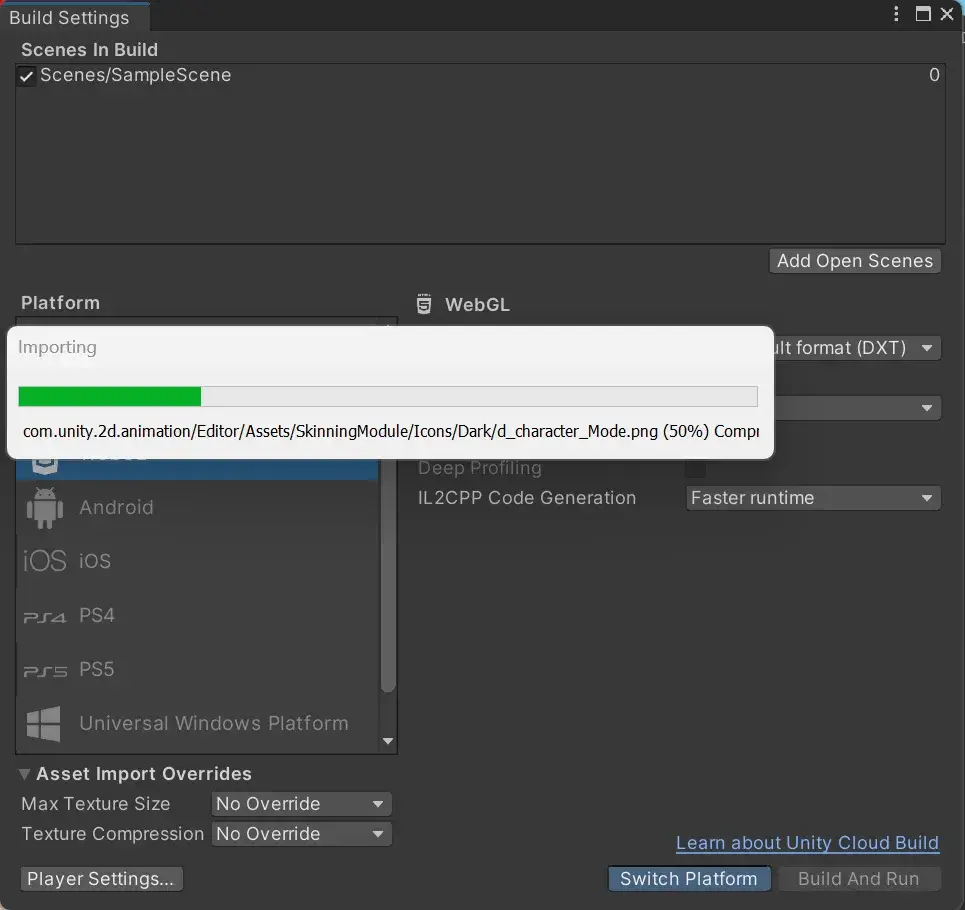
Unity 默认使用了 Brotli 压缩方式,这在非 https 协议下将无效,为了便于调试,将其设为 Disabled(这会使原本 5M 的文件变成了 20M)。
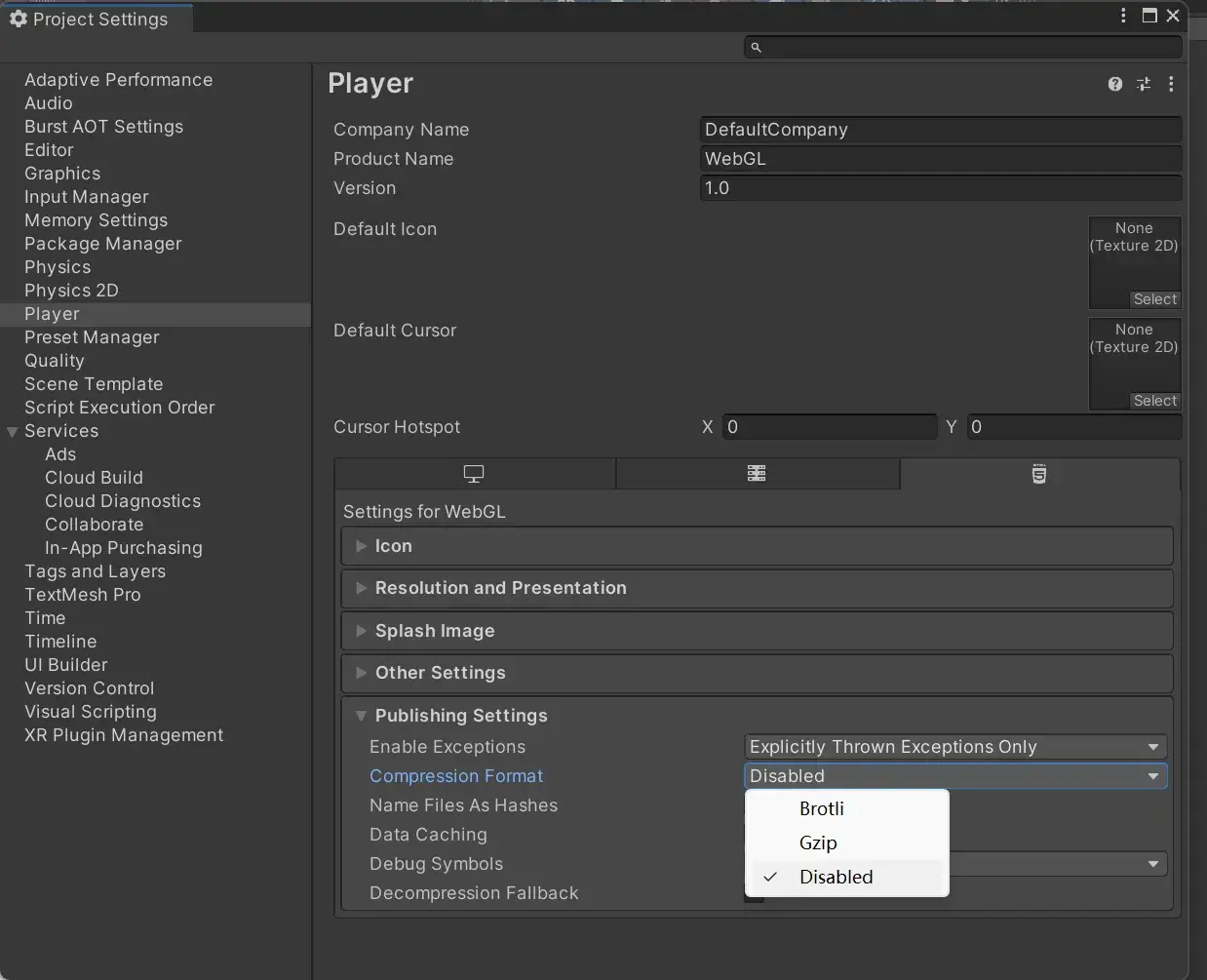
使用 WebGL 打包(如果没有这个编译器,得安装一个)。